Table of Contents
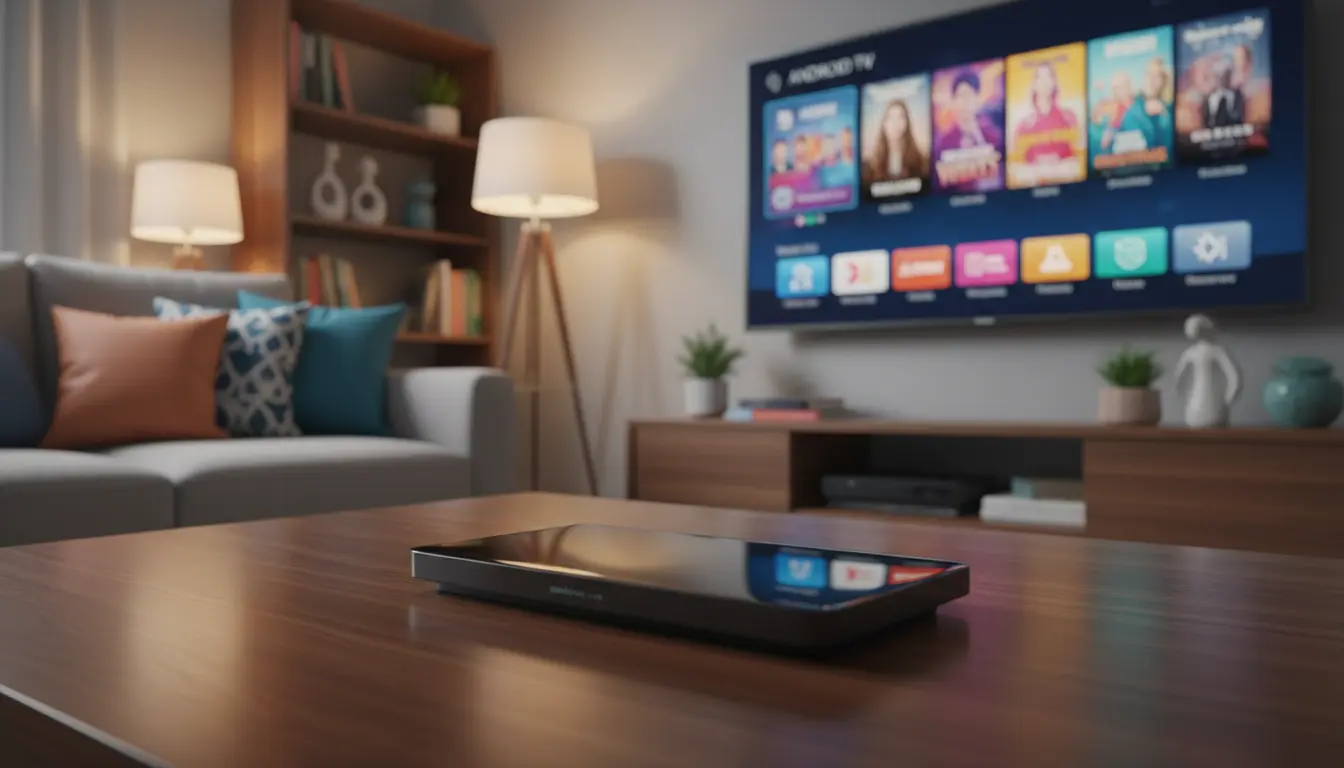
In the United Kingdom, how we watch digital media has changed a lot. Many homes now use a tv stick to make watching TV easier without big equipment. These small devices are the main way to get to your favourite online shows.

It’s key to pick the right gear for a seamless smart setup. You might want a basic streaming stick for simple watching, or maybe an android tv on a stick for more options. Each choice has its own good points, based on what you need.
Knowing the main differences helps you choose wisely. The right device makes your home entertainment system work well and fun for a long time.
Key Takeaways
- Compact media players have become the preferred choice for modern British households.
- A standard device is often sufficient for basic content consumption and ease of use.
- Choosing an Android-based alternative provides greater customisation and app compatibility.
- Proper hardware selection is vital to ensure a smooth and responsive interface.
- Evaluating your personal viewing habits helps you prioritise the features that matter most.
Understanding the Modern TV Stick Landscape
While choosing the right TV stick is important, the real experience depends on the content you access. Even the best streaming device is limited without a reliable IPTV service that unlocks full channel access.
For UK users looking to get the most out of their setup, services like Xtream4k provide a complete viewing solution. Instead of relying only on basic apps, you can access thousands of live channels, sports, and on-demand content directly on your TV stick.
Pairing a good TV stick with a high-quality IPTV service is what truly transforms your home entertainment experience.

The Evolution of Streaming Hardware in the UK
At first, we used big satellite receivers or smart tv boxes for tv to stream. These took up a lot of space and were hard to manage. As internet got faster, makers focused on making devices smaller and easier to use.
This led to the tv stick, which plugs into your HDMI port. It’s small, making it perfect for tidy homes. Now, you can stream in high definition without ruining your living room’s look.
Defining the Difference Between Proprietary and Android Ecosystems
When picking a device, you’ll see two main types. Proprietary systems are made by certain brands for a simple, controlled experience. On the other hand, an android tv stick is open-source, letting you change things up and add more apps.
Many like the android tv stick because it’s like a smart tv box for tv but with more apps. You can get more from the Google Play Store. Here’s a table showing the main differences between these options.
| Feature | Proprietary Stick | Android TV Stick |
|---|---|---|
| Interface | Fixed and Simple | Highly Customisable |
| App Store | Curated Selection | Google Play Store |
| Flexibility | Limited | High |
| Setup Time | Very Fast | Moderate |
Key Features of Dedicated Streaming Sticks
Many UK homes are ditching big smart tv boxes for sleek streaming sticks. These devices make watching your favourite shows easy without taking up too much space. The right streaming stick can really change how you watch TV every day.
Getting a streaming stick means you get a small but powerful entertainment centre. Unlike big smart tv boxes, these sticks plug into your HDMI port. This keeps your living room tidy and simple.
Roku Streaming Stick 4K: Simplicity and Performance
The Roku platform is known for its unmatched simplicity and easy-to-use interface. If you want a device that’s easy to use and shows great pictures, Roku is a top pick.
“Roku provides a neutral, user-friendly environment that prioritises content discovery over aggressive platform promotion.”
Here are some key benefits of the Roku tv stick:
- Long-range Wi-Fi receiver for stable streaming in any room.
- A highly intuitive remote that simplifies navigation for all ages.
- Consistent performance across various broadband speeds common in the UK.
Amazon Fire TV Stick 4K Max: Integration with the Alexa Ecosystem
If you use smart home tech, the Amazon Fire TV Stick 4K Max is perfect. This stream tv stick controls your connected devices, like lights and cameras, with your voice.
The integration with Alexa is its best feature. You can find movies, open apps, or check your camera without touching anything.
Think about these points when picking your next stream tv stick:
- Advanced processing power for fast app loading.
- Deep integration with the wider Amazon ecosystem for personalised recommendations.
- Support for the latest visual and audio standards for a premium viewing experience.
Whether you want a simple interface or smart home integration, a modern tv stick has what you need. Choosing a high-quality streaming stick means your entertainment setup stays up-to-date and easy to use.
The Capabilities of Android TV on a Stick
Choosing a stream tv stick powered by Android means you get a flexible software. It’s different from hardware that limits you. An android tv on a stick lets you customise your experience, giving you control over your digital world.
This flexibility means you can install more apps. Your entertainment setup stays up-to-date. An android tv stick grows with your viewing habits.
Chromecast with Google TV: The Power of the Play Store
The Chromecast with Google TV uses the Google Play Store fully. You can find thousands of apps, games, and streaming services on your TV.
The true strength of modern streaming hardware lies in its ability to offer a personalised experience that transcends simple content delivery.
This tv stick works well with your Google account. It makes syncing your preferences easy. The interface is user-friendly, showing your favourite content and suggesting new shows.
Xiaomi Mi TV Stick: Portability and Budget-Friendly Access
The Xiaomi Mi TV Stick is great for travel or extra rooms. It’s small and fits behind your TV, giving you Android access.
This device shows you don’t need to spend a lot for a good android tv on a stick experience. It’s ideal for those who want essential smart features without extra hassle.
| Feature | Chromecast with Google TV | Xiaomi Mi TV Stick |
|---|---|---|
| Primary Strength | App Ecosystem | Portability |
| Resolution | Up to 4K | 1080p |
| Best For | Power Users | Budget/Travel |
| Interface | Google TV | Android TV |
No matter which TV stick you choose, the next step is selecting the right content source. Most users quickly realise that free apps and standard subscriptions don’t provide the full range of channels they expect.
This is where IPTV services come in. A platform like Xtream4k allows you to unlock a complete entertainment package, including UK channels, international content, and premium sports, all in one place.
It works seamlessly with popular devices like Firestick, Android TV sticks, and Smart TVs, making it an ideal companion for your setup.
Once your device is ready, choosing the right IPTV service is what completes the experience.
Comparing Performance and User Experience
However, performance is not just about the device itself. A powerful TV stick combined with a stable IPTV service ensures smooth playback without buffering or interruptions.
With a service like Xtream4k , users in the UK can enjoy high-quality streams that fully utilise the capabilities of modern streaming devices, whether you’re using a standard stick or an Android-based system.
Interface Navigation and Customisation Options
A standard tv stick focuses on a clean, easy-to-use interface. It’s perfect for those who want to start watching TV quickly without dealing with complicated settings.
An android tv stick, on the other hand, offers more flexibility. You can change your home screen, pin favourite apps, and even install new launchers. This flexibility is great if you like to personalise your digital space.
“The best streaming hardware is the one that disappears into the background, letting you focus entirely on the content you love.”
App Availability and Regional UK Content Support
When choosing your device, make sure it supports your daily services. In the UK, this means checking for integration with major broadcasters.
Most devices now support UK catch-up services, but the experience can vary. Here’s a checklist for your next purchase:
- BBC iPlayer: Ensure the device supports the latest version for high-definition streaming.
- ITVX: Check for native app availability to avoid casting from your phone.
- Channel 4 and My5: Verify that these are easily accessible from the main app store.
The table below shows how these devices compare for the average British viewer:
| Feature | Standard Streaming Stick | Android TV Stick |
|---|---|---|
| Interface Ease | High | Moderate |
| Customisation | Limited | Extensive |
| UK App Support | Excellent | Excellent |
If you prefer simplicity, a standard streaming stick is best. But if you want to customise your layout and manage apps precisely, an android tv stick offers a more rewarding experience.
Hardware Specifications and Connectivity Considerations
Knowing what’s inside your media player helps avoid common problems. The physical parts inside your tv stick are key to smooth video playback. It’s not just about the software.
Like a top smart tv box for tv, these small devices need special hardware for HD video. If they don’t have enough power, you might see stuttering or slow menus. This can spoil your evening.
Processing Power and RAM Requirements for Smooth Streaming
The processor is the brain of your device. It handles everything from app launches to updates. A strong processor means your stream tv stick can handle 4K streams well.
RAM is also crucial for multitasking. Enough RAM keeps apps ready in the background. This makes switching between services much faster.
Choosing a device with little RAM can make the interface slow. A model with better specs is a future-proof solution. It stays fast even as apps use more resources.
Wireless Connectivity and Remote Control Functionality
Good internet access is essential for any stream tv stick. Look for devices with dual-band Wi-Fi. This keeps your connection stable, even with many wireless signals around.
A stable connection means no buffering during your favourite shows. The quality of your remote control is also important. It affects how you use the device every day.
Modern remotes often have voice control. This makes finding content quicker than typing on a keyboard. When comparing a tv stick to a smart tv box for tv, check if the remote feels good in your hand.
Conclusion
Choosing the right TV stick is only the first step toward building the perfect home entertainment setup. While hardware determines performance, the real value comes from the content you can access.
To get the most out of your device, pairing it with a reliable IPTV service is essential. For UK users, Xtream4k offers an affordable and flexible way to access a wide range of channels, sports, and on-demand content without the limitations of traditional platforms.
If you want to fully upgrade your streaming experience, combining a quality TV stick with the right IPTV service is the smartest move.
FAQ
What is the primary difference between a standard streaming stick and an android tv on a stick?
The main difference is in the software. A standard streaming stick, like the Roku Streaming Stick 4K, has a simple interface. On the other hand, an android tv on a stick offers a more open system. This lets you access the Google Play Store and use a wide range of apps, similar to a traditional android tv stick.
Can I access UK-specific services like BBC iPlayer and ITVX on these devices?
Yes, you can access UK services on these devices. Devices made for the British market support regional content. You can find apps for BBC iPlayer, ITVX, Sky News, and Channel 4 on devices like the Amazon Fire TV Stick 4K Max or Chromecast with Google TV. Always check if a device supports regional content before buying.
Is a compact tv stick as powerful as a larger smart tv box for tv?
Modern compact tv sticks are now as powerful as larger smart tv boxes. They have quad-core processors and more RAM. However, larger boxes might have more ports for Ethernet cables or external storage that a slim tv stick lacks.
Why should I consider the Amazon Fire TV Stick 4K Max for my home?
The Amazon Fire TV Stick 4K Max is great if you use Alexa. It integrates well with voice-controlled home automation and has a fast interface. It’s a top streaming stick with a wide range of UK streaming services.
What makes the Xiaomi Mi TV Stick a good budget-friendly option?
The Xiaomi Mi TV Stick is portable and affordable. It’s an android tv on a stick that turns any TV into a smart one without the high cost. It’s perfect for travel or secondary TVs in guest rooms.
How important are RAM and processing power in a stream tv stick?
RAM and processing power are key for a smooth experience. Enough RAM lets you switch between apps without lag. A strong processor ensures 4K content buffers quickly. Check these specs to avoid performance issues.
Does the Chromecast with Google TV offer a different experience than other android tv stick options?
Yes, the Chromecast with Google TV organises content differently. It shows shows and films from all your subscriptions on one screen. This makes it a sophisticated android tv on a stick, focusing on what you want to watch.
Many UK users enhance their TV stick experience by using IPTV services like Xtream4k.UK And Flixe4K.com for more channels and better flexibility.